What you do is simply go to the three dots on the top Confluence menu bar (while beeing on the main page for which you want to create a child page, but NOT in edit mode!) and choose “Copy” below.

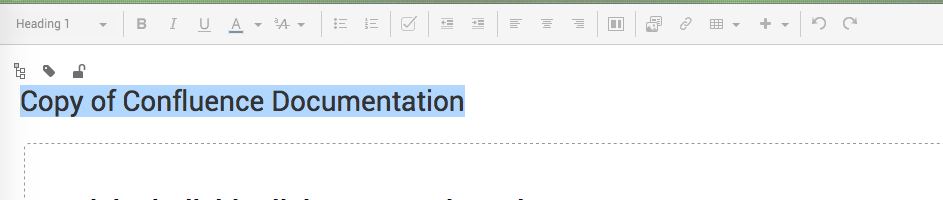
Then a new page is created and is called “Copy of Name of your main page” at first. You change the name and got your new childpage.
In order to check, if you got your childpage in the desired position or to switch that position (simply by dragging it), you go to the three dots again and choose “View in Hierarchy”.